
March 3, 2026
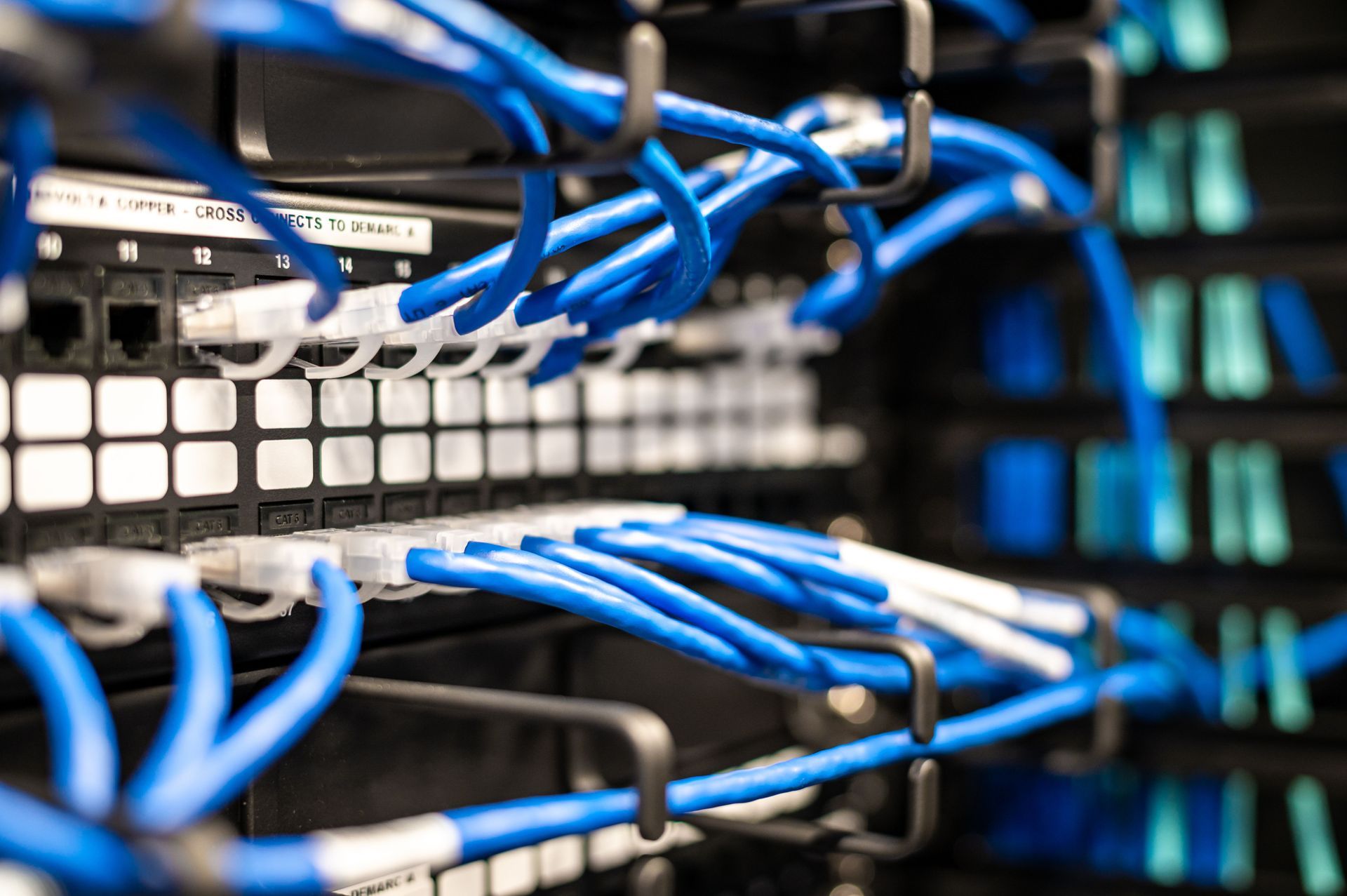
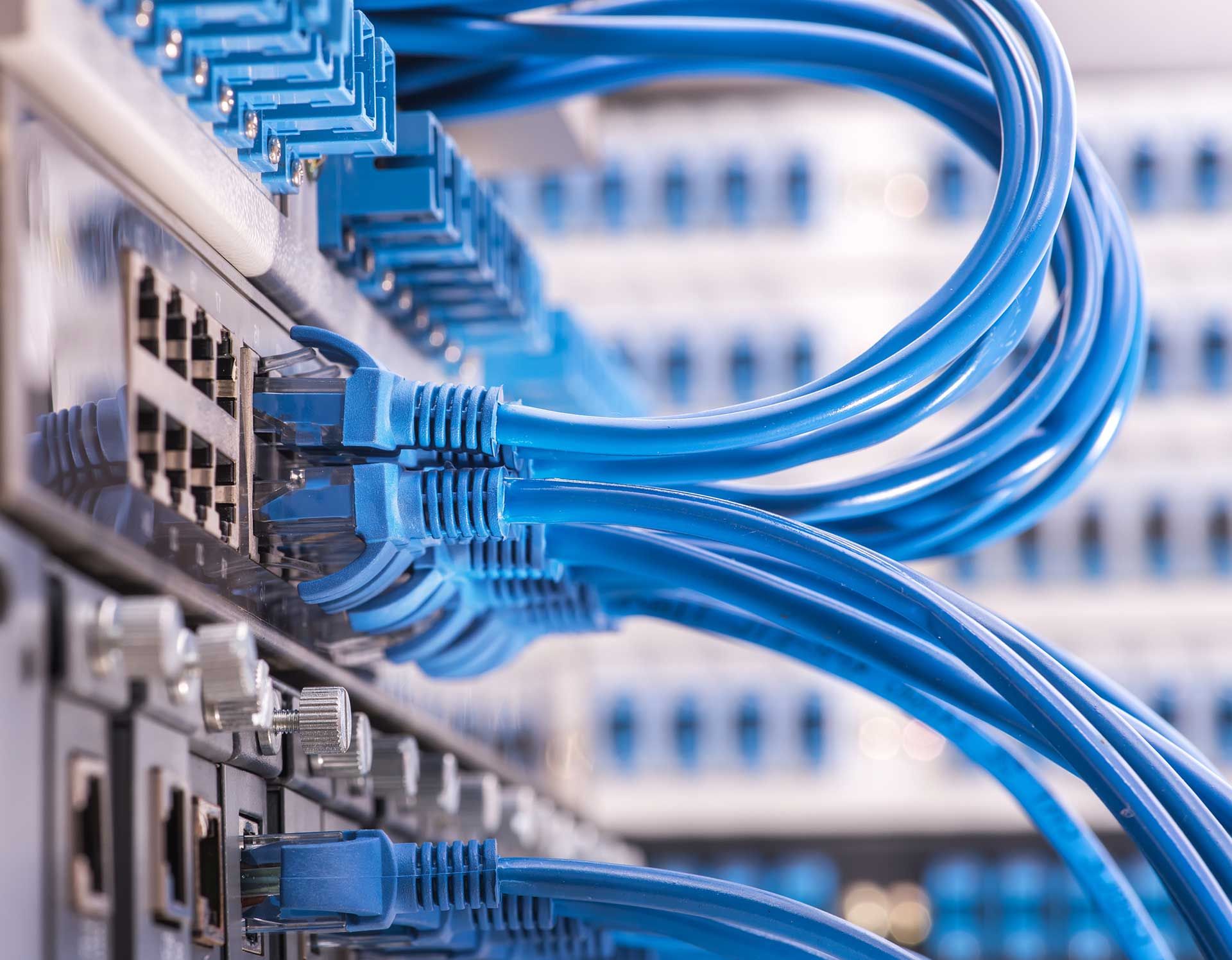
Commercial CCTV Camera Installation in Central Florida: What “Done Right” Actually Means A commercial camera system usually fails in the least dramatic way possible: the picture is washed out at the loading dock, the back hallway is a blur, or the video you need is overwritten because storage was undersized. Nobody notices until there is an incident — and then everyone suddenly cares about lens choice, cable routes, PoE capacity, and whether the network switch can actually power the cameras. A professional commercial CCTV camera installation is less about hanging hardware and more about building dependable low-voltage infrastructure. When it is designed and installed correctly, it becomes a system your operations team can rely on: clear video, predictable retention, stable remote access, and the ability to expand without ripping everything out. For businesses in Orlando, Tampa, Leesburg, Clermont, and throughout Central Florida, that difference matters. What “Done Right” Looks Like in Commercial CCTV Installation The goal of any business security camera installation is simple: Capture usable video of critical areas Retain it for the required time period Provide secure access to authorized users Avoid introducing new network or compliance risks In practice, that means your commercial CCTV installation should deliver: Consistent image quality across lighting conditions Clean, labeled, and documented cabling pathways Properly sized PoE and network capacity Recording settings aligned with real-world needs Equipment mounted securely and serviceable long-term A quality installation also respects the building. No exposed cabling. No damaged ceiling tiles. No loose mounts that shift over time. If your facility has compliance requirements (healthcare, financial, education, municipal), the installation must support those policies — including equipment location, access control, and documented retention standards. Planning a Commercial CCTV Camera Installation: Start With Coverage, Not Camera Count Most problems begin with a shopping list approach: “We need 16 cameras.” The better starting point is coverage. What areas need visibility? What level of detail is required? What lighting conditions will the cameras face? A lobby camera may only need general activity coverage. An access-controlled door typically requires face-level identification. A parking lot may need wide coverage — but a gate arm or license plate area may require a tighter, dedicated view. Warehouses, clinics, churches, and office buildings usually require a mix of: Wide situational awareness Focused identification zones Asset protection views Receiving and shipping coverage Lighting must also be evaluated at the times your building is actually used. A camera that looks fine at noon may be unusable at 7 p.m. due to backlighting from glass storefronts or exterior doors. Professional commercial CCTV contractors plan around those realities before equipment is ordered. Cabling and Network Design: Where Commercial Installations Succeed or Fail Commercial CCTV is a low-voltage infrastructure project. Most modern systems use IP cameras powered by PoE (Power over Ethernet) . That allows power and data over a single Category cable run — usually Cat6 in commercial environments. But not all PoE is equal. High-resolution cameras and PTZ units can require higher power budgets. A switch that “supports PoE” can still fail if it is undersized or overloaded. A properly designed commercial IP camera installation includes: Supported and protected Category cable runs Correct terminations and labeling Outdoor-rated cabling where required Fiber optic backbone when distance or interference demands it VLAN or network segmentation planning with IT If you have multiple buildings or detached warehouses, fiber optic cabling is often the right long-term solution in Central Florida commercial facilities. When network design is treated as an afterthought, performance problems follow. Recording, Retention, and Remote Access: Where the Real Costs Show Up Storage planning is where many business security camera systems disappoint owners. Retention depends on: Resolution Frame rate Compression Continuous vs motion recording Camera count Higher resolution improves detail — but increases storage and network load. Before installation, define: Minimum retention days for operations Policy or contractual requirements Incident history (how long after events footage is requested) Many businesses need 14–30 days. Some require 60–90 days depending on industry. Remote access must be handled securely. That means: Multi-factor authentication Strong password policies Proper firewall configuration No exposed recorders to the public internet Professional commercial CCTV installation includes secure remote access configuration — not just camera mounting. Installation Details That Impact Image Quality and Reliability Two systems using the same camera models can produce very different results. Mounting height and angle determine whether you capture faces or just the tops of heads. Too high reduces identification quality. Too low invites tampering. Lighting planning is critical in Florida environments. Bright exterior doors, reflective floors, and high heat conditions affect image performance. Exterior installations require: Properly sealed penetrations UV-resistant cabling Weather-rated enclosures Corrosion-resistant mounting hardware Humidity and storms in Central Florida are real design considerations. Improper sealing leads to intermittent failures and service calls later. Commissioning is also essential. A professional install validates: Camera views Motion zones PoE load and switch stability Recording confirmation User access permissions Issues should be caught while ladders are still on site — not during an incident. Choosing Between NVR, Cloud, or Hybrid Recording There is no universal “best” system. An on-premises NVR can be cost-effective at scale and offers local control. It must be physically secured and properly maintained. Cloud-managed systems simplify remote access and off-site retention but depend on reliable internet and typically involve ongoing licensing costs. Hybrid systems combine local recording with cloud backup for critical cameras. The right choice depends on: Site distribution Internet reliability Budget preferences (capital vs operating expense) Sensitivity of footage A professional site survey evaluates bandwidth, storage calculations, and long-term scalability — not guesses. Coordinating CCTV With Access Control and Structured Cabling Commercial camera systems rarely stand alone. They often integrate with: Access control systems Video intercoms Door events Conference room A/V Existing structured cabling infrastructure If you want door events correlated with video, placement and timestamp alignment matter. Coordinating all low-voltage scope under one contractor reduces ceiling disruption, duplicated labor, and documentation gaps. What to Expect From a Professional Commercial CCTV Contractor A qualified commercial CCTV contractor in Central Florida should: Conduct a thorough site walkthrough Discuss coverage goals and operational risks Evaluate lighting and mounting conditions Plan cabling pathways and equipment locations Coordinate with IT or property management Provide labeled, documented infrastructure You should be left with: Clean rack or wall layouts Organized and labeled cabling Documented camera locations Storage and retention configuration details A system that can expand without reconstruction Commercial CCTV Installation in Central Florida If you are planning a commercial CCTV camera installation in Orlando, Tampa, Leesburg, Clermont, or anywhere in Central Florida , the difference between “installed” and “installed correctly” becomes clear over time. At GPZ Cabling Inc., commercial security camera installation is treated as infrastructure — not just equipment. Clean cabling, proper mounting, network coordination, and thorough commissioning are part of the standard. Request a free site survey at: https://www.gpzcabling.com The best camera system is the one that quietly works for years — because the coverage was planned correctly, the low-voltage infrastructure was installed cleanly, and the system matches how your business actually operates.